
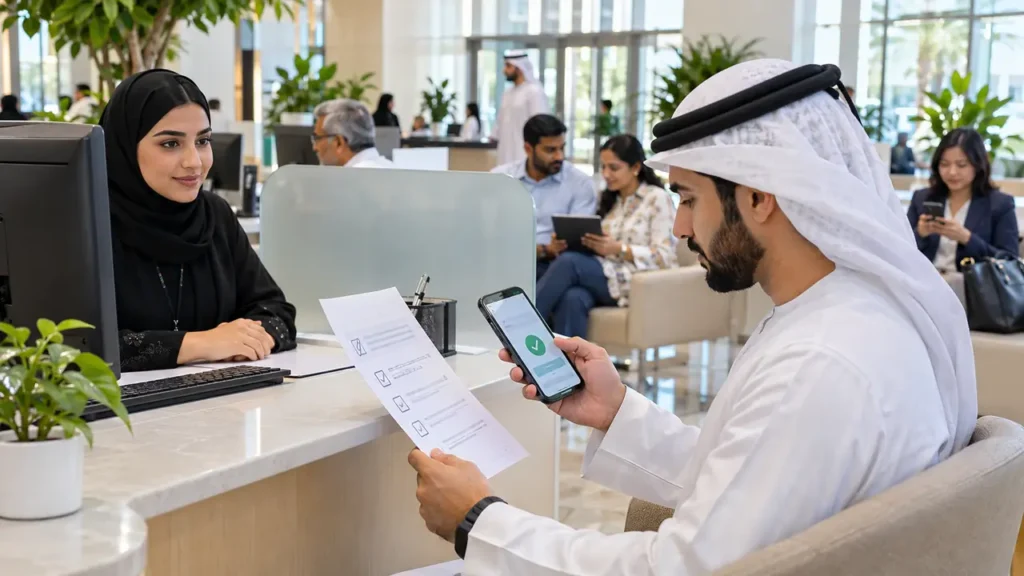
Dubai’s government services are increasingly designed around connected digital journeys, allowing residents and businesses to complete tasks without repeatedly visiting service centres. Convenience, however, also gives criminals an opportunity to imitate official messages, payment pages and login screens.
The safest habit is to verify the service before entering personal information. Open a known official website or application independently, check the domain and request details, and never treat urgency in a message as proof that it is genuine.
Recognising an official service journey
An official-looking logo, Arabic wording or reference number can be copied. Instead, inspect the full web address, app publisher and the path used to reach the service. Search results and advertising links should not replace a bookmarked government page or a portal reached through an official directory.
A genuine request should match an action you initiated or an obligation visible inside the official account. Unexpected fines, parcel charges, refunds or account suspensions deserve independent verification. Contact the authority using a number listed on its official site, not the number inside the suspicious message.
| Check | What to confirm |
|---|---|
| Website or app | Correct domain and verified publisher |
| Login | Expected UAE Pass or approved method |
| Payment | Authority, amount and beneficiary |
| Document upload | Specific need and secure channel |
Readers planning the wider day can also use Dubai public-event safety guide and UAE road-trip planning guide to coordinate transport, timing and practical requirements without relying on last-minute assumptions.
Safer identity and payment steps
Use UAE Pass or another approved login method only on the expected screen. Do not share one-time passwords, approval prompts or recovery codes with a caller. Read every authentication prompt carefully; rejecting an unexpected request is safer than approving it to end a conversation.
Before paying, confirm the authority, service, amount and beneficiary. Secure payment pages use encryption, but a padlock alone does not prove the business is genuine. Save the receipt and reference number, then verify the transaction inside the official service account where possible.
- Open official services from a saved or verified address.
- Read UAE Pass approval prompts before accepting.
- Never disclose one-time passwords to a caller.
- Save official payment receipts and reference numbers.
- Report suspected impersonation promptly.
For another useful layer of preparation, UAE emergency numbers guide and UAE public-warning alerts guide explain related UAE procedures and public-safety considerations in more detail.
Handling personal documents
Upload only the documents requested for the specific service. Avoid sending passport, Emirates ID or bank images through casual chat unless the official procedure explicitly requires that channel. Redact information only when permitted, because altering a required document can make an application invalid.
Keep devices updated, use a screen lock and avoid completing sensitive services over unknown public Wi-Fi. Shared computers can retain downloads or login sessions, so personal devices are preferable. Log out after completing the task and delete unnecessary local copies securely.
Before setting out, compare the advice here with Dubai public transport guide and accessible UAE visitor planning guide; both provide context that can make the experience smoother and more predictable.
What to do after a suspicious message
If a message appears suspicious, do not click further. Capture useful evidence, block the sender and report it through the relevant police, authority or telecom channel. If credentials or card details were entered, contact the bank and change affected passwords immediately.
Good digital government depends on both service design and careful users. Verification may add a minute, but it can prevent identity misuse, fraudulent payment and long recovery work. Families should teach the same process to younger and older relatives.
For current details, consult the Dubai government services best-practices announcement before making a time-sensitive decision.
Questions people often ask
How can I check whether a Dubai service website is official?
Verify the full domain through the relevant authority’s known website or an official government directory, rather than trusting a message link.
Will government staff ask for a one-time password?
You should not disclose an OTP, recovery code or approval prompt to another person. Read authentication instructions on the official service.
Is a padlock icon enough to prove a payment page is safe?
No. Encryption is important, but you must also confirm the exact domain, authority, service and payment beneficiary.
What should I do after entering card details on a suspicious page?
Contact the bank immediately, secure affected accounts and report the incident through the appropriate official channel.
Can I send Emirates ID or passport copies through messaging apps?
Use only the channel specified by the verified official service and share only what is required. Avoid casual or unsolicited requests.


