
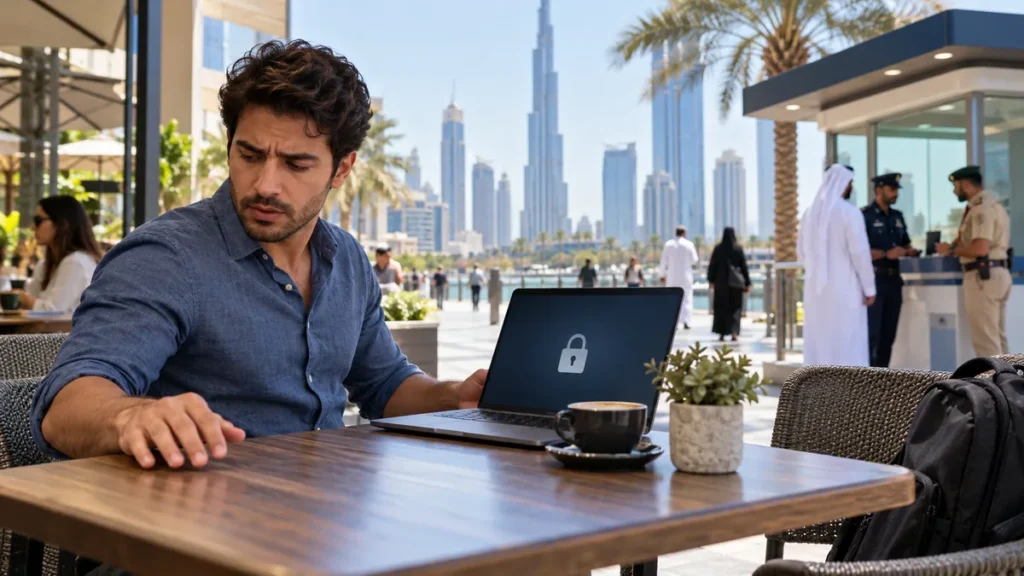
A missing phone is both a lost item and a security incident. The first hour should focus on locating it without risk, locking the device, stopping SIM misuse and protecting accounts that can reset passwords or approve payments. Reporting comes next, with a clear distinction between a phone misplaced in a known venue and one believed to be stolen.
The TDRA Consumer Protection Guide tells customers to contact their mobile service provider immediately to deactivate a lost or stolen SIM and arrange a replacement. For a missing item in Dubai, the Dubai Police Lost & Found service provides the official reporting channel.
Start with a safe location check
Call the phone once from another number and use the device maker’s official find service if it was enabled. Check the last secure places you used it, such as a taxi, reception desk or shop counter. Do not travel alone to an unfamiliar location shown by a tracking map and do not confront anyone; give useful location information to police instead.
If the phone disappeared on public transport, note the route, vehicle, time and seat. The Dubai taxi lost-item guide explains which trip details help. The UAE public-transport guide includes family contact planning.
| Priority | Action | Information to keep |
|---|---|---|
| Locate | Use official find tools and contact the venue | Last time and place seen |
| Lock | Mark the device lost and set a safe callback | Screenshot of status |
| SIM | Ask the operator to deactivate it | Case or reference number |
| Accounts | Secure email, banking and key apps | Logout and password-change record |
| Report | Use the relevant police or lost-property channel | IMEI, serial, model and circumstances |
Lock the phone before erasing it
Use the manufacturer’s official account to mark the device lost, display a safe alternate contact and prevent normal access. A remote erase can protect data, but it may also stop location tracking. Consider it when recovery is unlikely or sensitive data is at risk, and follow your employer’s instructions if the device contains work information.
Change the password for the primary email account first because it often controls resets for other services. Then secure banking, digital wallets, government apps, social accounts and messaging. Sign out unknown sessions and tell close contacts not to trust unusual money or verification requests.
The UAE cyber-incident guide gives organisations a containment sequence. Individuals can use the UAE online-scam reporting guide if the loss is followed by phishing or account abuse.
Immediate action list
- Call the phone and check the last safe locations.
- Activate the official lost-device lock or lost mode.
- Contact the mobile operator to deactivate the SIM.
- Secure the main email, banking and wallet accounts.
- Record the IMEI, serial number, model and colour.
- Report the loss or suspected theft through the correct channel.
- Keep every case number and replacement-SIM receipt.
Find the IMEI without the phone
The IMEI is a device identifier, not the same as the mobile number. It may appear on the original box, purchase invoice, device-account dashboard or a previous support record. Keep it private and give it only to the operator, police, insurer or another authority that legitimately needs it.
Do not pay an online stranger who claims to track an IMEI. Public map websites cannot lawfully provide a live location merely from that number, and such promises often lead to further fraud.
Report the right problem
If the phone was left in a taxi, mall or hotel, contact that operator’s lost-property team and keep the reference. If theft is suspected, or tracking shows a location where recovery would be unsafe, report the circumstances to police. Call 999 only for an immediate emergency; use non-emergency and online channels for an ordinary lost-item report.
The UAE emergency-numbers guide explains the difference. The household emergency-file guide shows how to store device details safely before a loss happens.
Restore carefully on the replacement device
Use a new SIM from the authorised operator, update recovery numbers and verify that call forwarding or account access has not changed. Restore from a trusted backup, install current updates and enable a strong screen lock, device finding and backup. If the old phone returns, do not use it until its status and accounts are checked.
The best response is ordered: locate safely, lock, deactivate the SIM, secure accounts, report with identifiers and then restore. Acting in that sequence protects both the physical phone and the digital identity attached to it.
Questions people often ask
What is the first thing to do after losing a phone in the UAE?
Try a safe location check and immediately activate the official lost-device lock. Then contact the mobile operator to deactivate the SIM.
Should I erase a lost phone immediately?
Not always. Locking may preserve location tools. Consider remote erasure when sensitive data is at risk or recovery is unlikely, understanding that tracking may stop.
How can I find the IMEI if the phone is missing?
Check the original box, purchase invoice, manufacturer account or earlier support records. Keep the IMEI private.
Where can I report a lost phone in Dubai?
Use the Dubai Police Lost & Found service for a missing item. Report suspected theft through the appropriate police channel and use 999 only for an emergency.
Why should the SIM be blocked quickly?
Deactivation helps prevent calls, charges and misuse of SMS codes. TDRA advises contacting the service provider immediately and arranging a replacement SIM.


